




Importance de la bonne connexion du fil de frein à main sur les récepteurs Pioneer AV

Aperçu
Tous les récepteurs AV Pioneer sont conçus avec une logique de sécurité intégrée pour aider à réduire la distraction du conducteur et soutenir une conduite sécuritaire. L'une des étapes d'installation les plus critiques est la connexion du fil du frein de stationnement.
Une connexion incorrecte ou incomplète du frein de stationnement peut entraîner des menus restreints, une lecture vidéo désactivée ou des messages d'avertissement pouvant être confondus avec un problème de câblage ou de produit.
Pioneer ne promeut ni ne soutient la conduite distraite, et ne recommande pas de regarder du contenu vidéo ou de configurer les paramètres système pendant que le véhicule est en mouvement.
Plateforme testée et portée
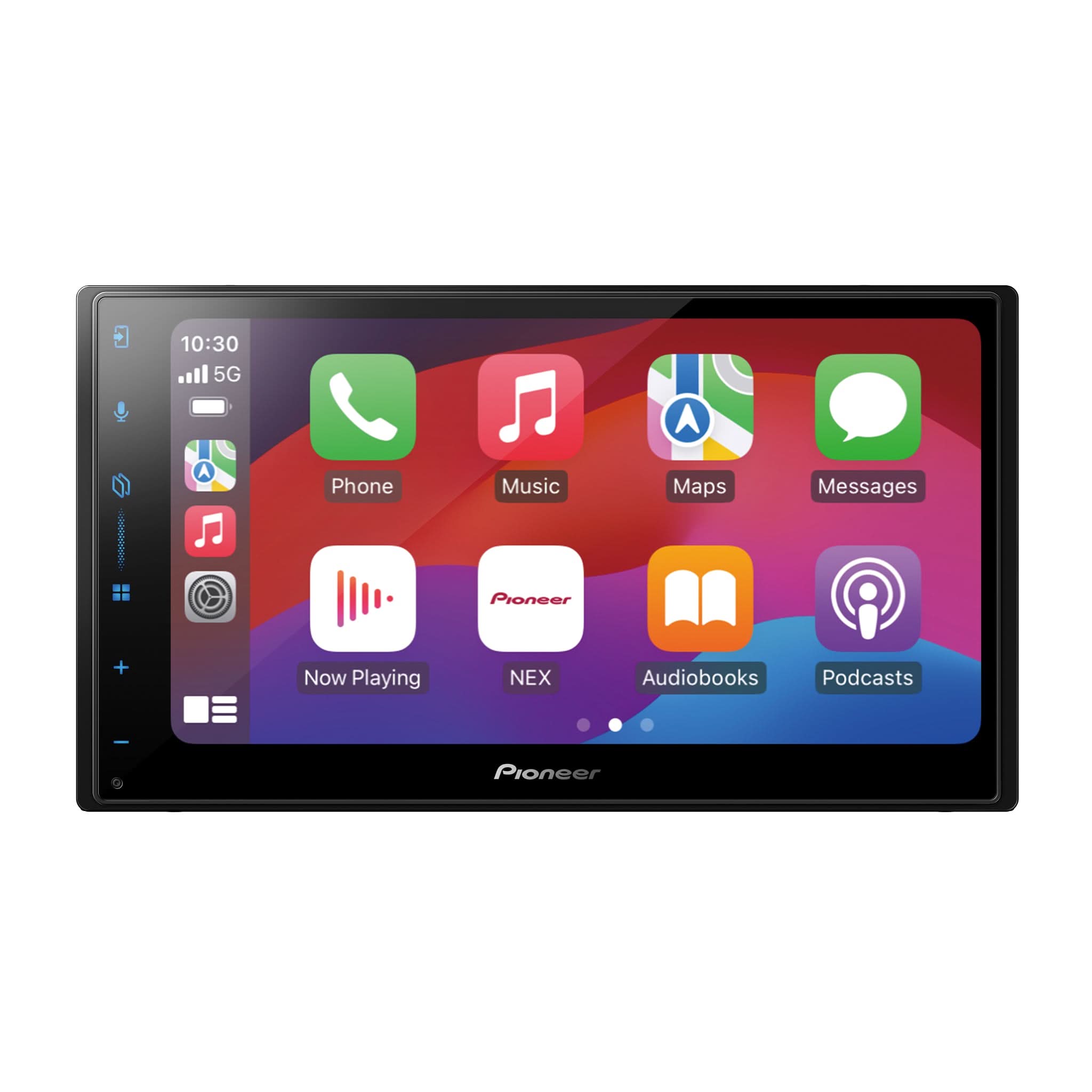
Le comportement décrit ci-dessous a été observé lors de l'utilisation d'un Pioneer DMH-WT6000NEX avec l'antenne GPS connectée et fonctionnant sous la version du firmware 1.60.
Ce modèle est utilisé à titre d'exemple pour illustrer le fonctionnement de l'interverrouillage de sécurité du frein de stationnement sur les récepteurs AV Pioneer équipés de GPS, y compris le comportement au démarrage, la calibration GPS et l'application basée sur le mouvement.
Les dispositions réelles des écrans et les pages d'informations système peuvent varier selon le modèle ; cependant, la logique d'interverrouillage du frein de stationnement et le comportement de sécurité sont cohérents sur tous les récepteurs AV Pioneer équipés de GPS.
Interverrouillage de sécurité du frein de stationnement – Fonctionnement confirmé
Mise sous tension initiale / Première utilisation
Lorsque le récepteur est installé et mis sous tension pour la première fois :
-
Si le fil vert du frein de stationnement est mis à la terre, la lecture vidéo peut fonctionner initialement (comme lorsqu'il est installé sur un panneau de démonstration en magasin).
-
À ce stade, le positionnement GPS et la calibration 3D ne sont pas entièrement initialisés.
-
Cette condition est temporaire et ne doit pas être considérée comme un comportement de conduite normal.
Après l'initialisation du positionnement GPS et de la calibration 3D
Après avoir roulé environ un mile, une fois que la réception GPS et la calibration 3D sont initialisées :
-
Le verrouillage de sécurité du frein de stationnement devient pleinement actif
-
L'application de la sécurité basée sur le mouvement commence automatiquement
Véhicule en mouvement (au-dessus d'environ 6 mph)
Si le véhicule dépasse environ 6 mph, avec ou sans le frein de stationnement appliqué :
-
La lecture vidéo s'arrête immédiatement
-
Une bannière d'avertissement du frein de stationnement est affichée
-
La vidéo et certaines fonctions système ou de menu deviennent indisponibles
La lecture vidéo est autorisée uniquement lorsque le véhicule est à l'arrêt et que le frein de stationnement est appliqué.

État de la connexion – Vérification du frein de stationnement (selon le modèle)
Sur le DMH-WT6000NEX, l'écran État de la connexion affiche l'état du frein de stationnement :
-
Frein de stationnement ACTIVÉ → Frein appliqué, masse valide détectée
-
Frein de stationnement DÉSACTIVÉ → Frein non appliqué
Cet écran permet aux installateurs de confirmer rapidement la bonne connexion du circuit du frein de stationnement après l'installation.


Important :
Tous les récepteurs AV Pioneer n'affichent pas l'état du frein de stationnement dans l'écran d'état de la connexion. Sur les modèles sans cet indicateur, le bon fonctionnement doit être vérifié en utilisant le comportement du menu et la réponse de la lecture vidéo.
Comportement du menu Bluetooth
L'appairage Bluetooth et les paramètres Bluetooth font partie de l'interface utilisateur contrôlée par la sécurité.
-
Frein de stationnement DÉSACTIVÉ – Les options du menu Bluetooth sont grisées et indisponibles
-
Frein de stationnement ACTIVÉ – Les options du menu Bluetooth deviennent actives et sélectionnables
Le véhicule doit être à l'arrêt avec le frein de stationnement activé avant que l'appairage Bluetooth ou la gestion des appareils puisse être effectuée. Ce comportement aide à réduire la distraction lors de la configuration du téléphone.
Note sur la configuration Apple CarPlay™ / Android Auto™
La configuration initiale d'Apple CarPlay™ et Android Auto™ peut nécessiter l'accès au Bluetooth et aux menus système contrôlés par le verrouillage du frein de stationnement. Pour cette raison, l'appairage du téléphone et la configuration initiale doivent être effectués lorsque le véhicule est à l'arrêt et que le frein de stationnement est activé.
Cette conception aide à promouvoir une conduite sûre et non distrayante.
Pourquoi un branchement correct du frein de stationnement est important
Branchement correct de l'entrée du frein de stationnement :
-
Assure que le récepteur fonctionne comme prévu
-
Évite les retours de service inutiles et les plaintes des clients
-
Permet une vérification précise du fonctionnement du système
-
Aide les installateurs à expliquer le comportement de sécurité attendu aux clients
-
Maintient la conformité avec les attentes de sécurité et les réglementations régionales
Avis de sécurité important
Pioneer conçoit ses produits pour soutenir une conduite sûre et responsable.
La lecture vidéo, l'appairage Bluetooth et la configuration du système sont destinés à être utilisés uniquement lorsque le véhicule est à l'arrêt et stationné en toute sécurité.
Suivez toujours :
-
Lois locales et régionales sur la circulation
-
Directives du fabricant du véhicule
-
Instructions d'installation et d'utilisation Pioneer
Avis de marque déposée
Apple CarPlay™ est une marque déposée de Apple Inc., enregistrée aux États-Unis et dans d'autres pays.
Android Auto™ est une marque déposée de Google LLC.
La marque verbale et les logos Bluetooth® sont des marques déposées appartenant à Bluetooth SIG, Inc., et toute utilisation de ces marques par Pioneer se fait sous licence.
Les autres marques commerciales, logos et noms commerciaux mentionnés ici sont la propriété de leurs propriétaires respectifs.